
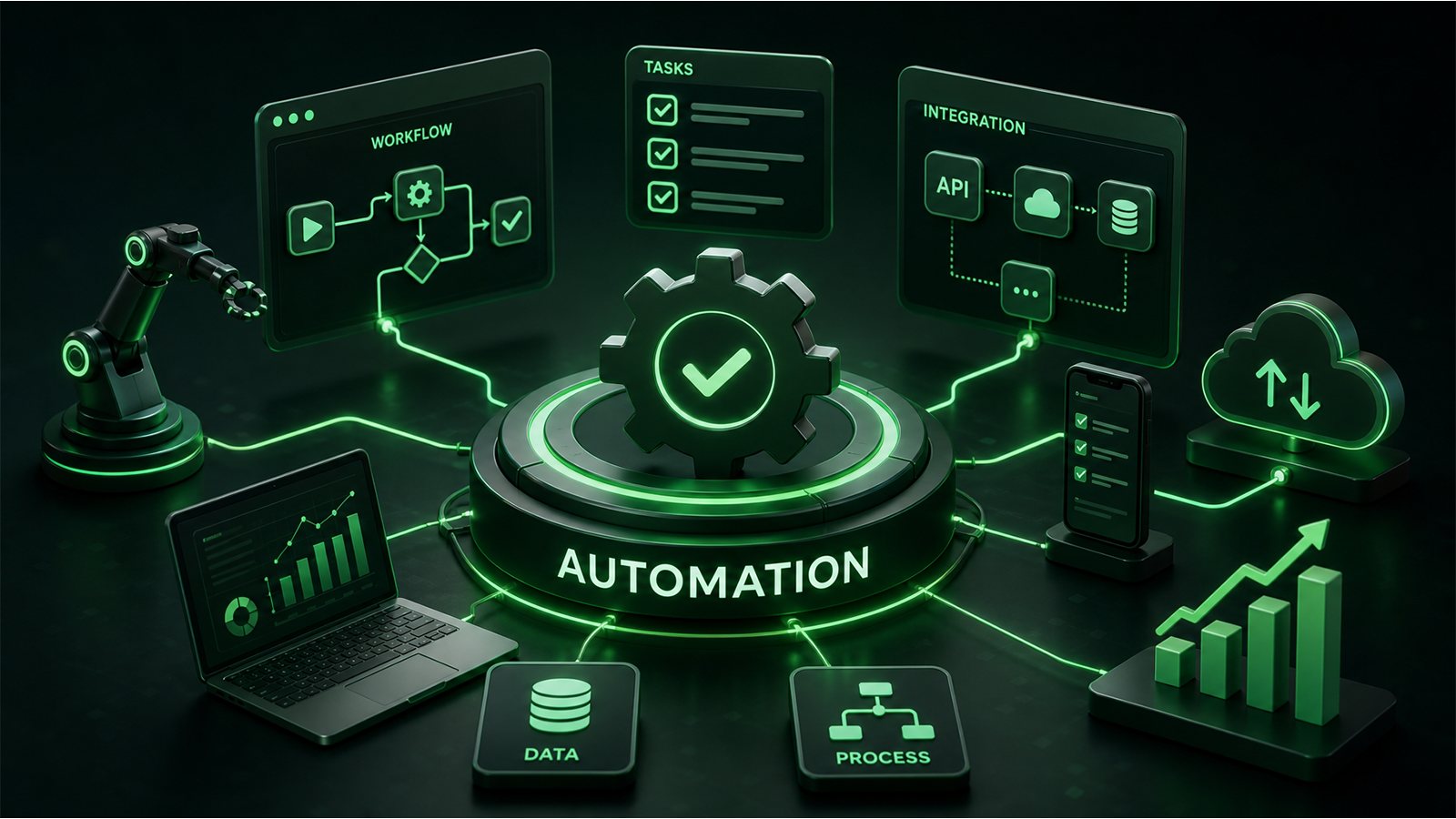
For a small business, the most useful AI is no longer the tool that writes one more email on command. The bigger opportunity is an AI system that can take a routine business process, follow the steps, use the right information, complete actions across tools, and bring a person in when judgment is needed.
That is why AI agents for small business are becoming more practical in 2026. The shift is from AI that simply responds to prompts toward AI that participates in workflows. For lean teams, that can mean less time spent copying information between systems, chasing follow-ups, sorting requests, and repeating administrative work.
Table of Contents
What Are AI Agents for Small Business?
An AI agent is software designed to pursue a goal and perform work with a degree of autonomy. Depending on the system and permissions you give it, an agent may gather information, interpret a request, choose the next step, use connected tools, update a record, send a message, or escalate an exception.
This is different from using a general AI chatbot for isolated tasks. A chatbot might draft a follow-up email when you ask. An agentic workflow can potentially detect that a qualified lead has not received a response, gather the relevant CRM context, prepare the follow-up, send or queue it according to your rules, record the activity, and alert a salesperson when human attention is required.
Microsoft describes this broader shift as AI moving from responding to requests toward participating in business workflows. IBM similarly distinguishes agentic systems from traditional task automation by their ability to work across an end-to-end process. These systems still require governance, permissions, monitoring, and well-defined human handoffs.
AI Agents vs. Traditional Automation
Traditional automation is excellent when the rules are stable: when X happens, do Y. For example, when someone submits a contact form, add the lead to a CRM and send a confirmation email.
AI agents become useful when the workflow contains interpretation. The system may need to understand an incoming message, determine intent, retrieve context, decide which approved action is appropriate, and handle exceptions differently.
The distinction does not mean agents should replace conventional automation. In a strong workflow, deterministic automation handles predictable steps while AI handles the parts that benefit from language understanding, classification, reasoning, or flexible decision-making. Human review remains important wherever the cost of a mistake is meaningful.
7 Practical AI Agent Use Cases for Small Businesses
1. Qualify and route incoming leads
A service business may receive leads from forms, email, chat, referrals, and social channels. An agent can extract the important details, classify the inquiry, check whether it matches your target customer profile, and route it to the right person or workflow.
The goal is not to let AI decide who deserves attention. It is to reduce the administrative delay between an inquiry and a useful human response.
2. Handle first-line customer service
An AI support agent can answer routine questions using approved business information, check order or appointment context when connected safely, collect missing details, and escalate unusual or sensitive issues.
This is especially valuable for small teams that cannot staff every channel continuously. The design principle should be clear: automate the repetitive questions while making the path to a human obvious when the issue requires judgment.
3. Follow up with leads and customers
Follow-up is one of the easiest processes to neglect when a team gets busy. Agents can help identify stalled conversations, prepare context-aware follow-ups, trigger reminders, and keep CRM records current.
For higher-value sales, I would keep approval in the loop before important outbound messages are sent. Automation should improve consistency without making customer relationships feel automated.
4. Triage email and internal requests
Instead of manually reading every message to decide what happens next, an agent can classify incoming requests, summarize long threads, extract action items, identify urgency, and route work to the appropriate person.
This is a strong early use case because it reduces coordination work without necessarily giving the agent authority to make high-risk decisions.
5. Turn meetings and conversations into actions
Meeting summaries are useful, but the larger opportunity is what happens after the summary. With the right integrations, an AI workflow can identify agreed actions, create tasks, update project records, draft follow-ups, and remind owners when deadlines approach.
The human team should still confirm important commitments. The value comes from removing the copy-and-paste work between conversation and execution.
6. Support marketing operations
AI agents can help monitor a content calendar, organize research, repurpose approved source material, flag outdated pages, assemble campaign performance data, or prepare briefs for human review.
This works best when the agent operates inside a defined brand and approval system. Publishing large volumes of unsupervised AI content is not a marketing strategy and can create quality, accuracy, and reputation problems.
7. Monitor recurring business processes
Many operational tasks are not difficult; they are simply easy to miss. An agent can watch for defined conditions—an overdue invoice, an unanswered lead, a failed workflow, a customer account requiring attention, or a KPI moving outside an expected range—and initiate the approved next step.
This moves automation from “do this task faster” toward “make sure this process keeps moving.”
What Should You Not Fully Automate?
The existence of an AI agent does not mean every decision should be delegated to it. The more consequential, irreversible, sensitive, or ambiguous an action is, the stronger the case for human approval.
- High-stakes financial decisions: payments, refunds above defined limits, contracts, or material commitments.
- Legal, HR, or sensitive customer decisions: use AI for support and organization, not unchecked final judgment.
- Brand-critical communication: important public statements and delicate customer situations deserve human review.
- Actions involving broad system permissions: give an agent only the access required for its job.
- Processes you do not understand yet: automating a broken workflow usually makes the broken workflow run faster.
A useful design is human by exception: routine, low-risk work proceeds within clear boundaries, while uncertainty and higher-risk actions are routed to a person.
How to Start With AI Agents Without Overcomplicating It
Step 1: Find a repetitive workflow, not an AI use case
Start with the business problem. Look for work that happens frequently, follows a recognizable pattern, consumes meaningful time, and has an outcome you can measure.
Step 2: Map the workflow before automating it
Write down the trigger, information required, decisions, actions, systems involved, exceptions, and final outcome. This exposes unnecessary steps and makes it much easier to decide where AI is actually useful.
Step 3: Separate deterministic steps from judgment
Use ordinary automation where a rule is enough. Use AI where the system needs to interpret language or context. Keep human approval where risk or ambiguity is high.
Step 4: Connect only the data the agent needs
More access is not automatically better. Use least-privilege permissions, define approved sources, and decide what information should never be exposed to the workflow.
Step 5: Define the handoff to a human
Before launch, decide what causes escalation. Examples include low confidence, an angry customer, an unusual request, a high-value transaction, missing information, or an action outside the agent’s approved scope.
Step 6: Test with real scenarios
Do not test only the happy path. Include incomplete requests, contradictory information, unusual phrasing, missing records, system failures, and situations where the correct behavior is to stop and ask for help.
Step 7: Start narrow and expand from evidence
A small workflow that reliably saves five hours every week is more valuable than an ambitious “AI employee” that nobody trusts. Once the process is stable and measurable, expand its scope carefully.
How to Measure the ROI of AI Automation
Do not measure an agent by how impressive the demo looks. Measure what changes in the business.
- Hours of manual work removed or reduced
- Lead response time
- Customer resolution time
- Number of missed or overdue follow-ups
- Error and escalation rates
- Cost per completed process
- Conversion or retention changes where relevant
- Employee time redirected to higher-value work
Microsoft’s 2026 Work Trend Index emphasizes that organizations getting more value from agents are also more likely to document agent workflows, human handoffs, and quality standards. That is an important point for small businesses: the technology matters, but the operating process around it matters just as much.
A Simple AI Automation Example
Imagine a web design business receiving a new project inquiry.
- A website form creates the lead.
- An AI agent reads the inquiry and extracts project type, timeline, budget range, and stated goals.
- The workflow checks whether required information is missing.
- If appropriate, it prepares a personalized acknowledgement and suggests the correct next step.
- The CRM is updated automatically.
- A high-fit lead is flagged for priority human follow-up.
- If the request is unusual or the agent is uncertain, nothing consequential happens automatically—the inquiry is escalated.
This is the kind of automation I find most useful: AI is not pretending to replace the business owner. It is removing coordination work so the owner can spend more time on strategy, creative work, and customer relationships.
Where AI Automation Fits Into a Better Website Strategy
Your website can be more than a digital brochure. It can be the front door to useful business workflows: qualifying inquiries, routing requests, capturing structured information, triggering follow-up, and connecting customer actions to the systems your team already uses.
That is also why web design, SEO, and automation should not always be treated as separate projects. A better customer journey can begin with how someone discovers your business, continue through the experience on the website, and extend into what happens operationally after they click “Contact.”
If the website itself is creating friction, start with my guide to the signs your business website needs a redesign. For the search side, see my practical guide to AI-driven SEO. You can also explore Webbymary services for web design, SEO, digital strategy, and AI automation.
Final Takeaway
AI agents for small business are most valuable when they improve a real workflow, not when they are added simply because AI is available.
Start with one repetitive process. Define the outcome. Keep permissions narrow. Build clear human handoffs. Measure what improves. Then expand only when the workflow has earned your trust.
In 2026, the competitive advantage is becoming less about who has access to AI and more about who can integrate it responsibly into the way work actually gets done.
Sources and further reading: Microsoft 2026 Work Trend Index, Microsoft on agentic AI workflows, and IBM on agentic business processes.